SMERTGuard Home · Kids Guard

    Kids Guard: a second pair of eyes for curious little explorers

    Upload your floorplan and SMERTGuard marks the places that worry every parent: balconies, the stove, sockets and stairs. Draw a border on the camera view, and if your toddler crosses it, the siren sounds and your phone buzzes.

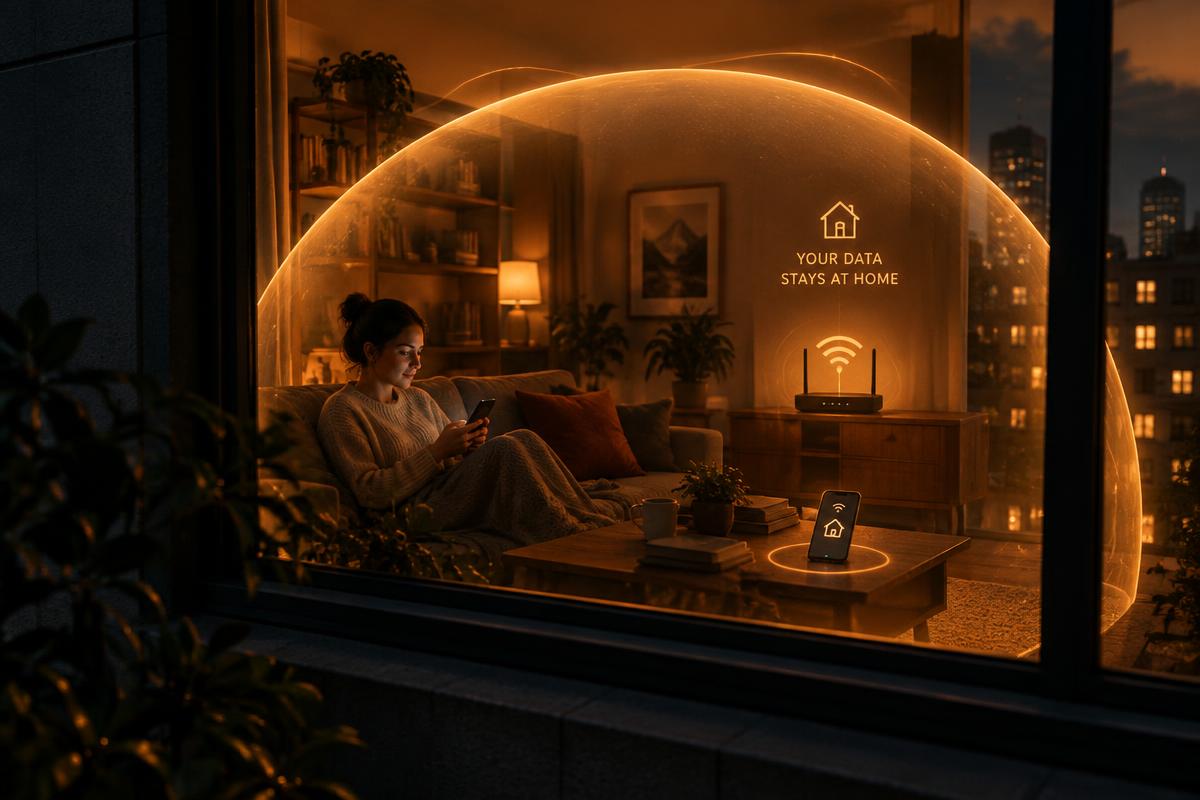
    Video is analysed on your device. It never leaves your home or site.

    Kids Guard: a second pair of eyes for curious little explorers

    6 risks Kids Guard watches for

    Each scenario below is included in every SMERTGuard Home plan.

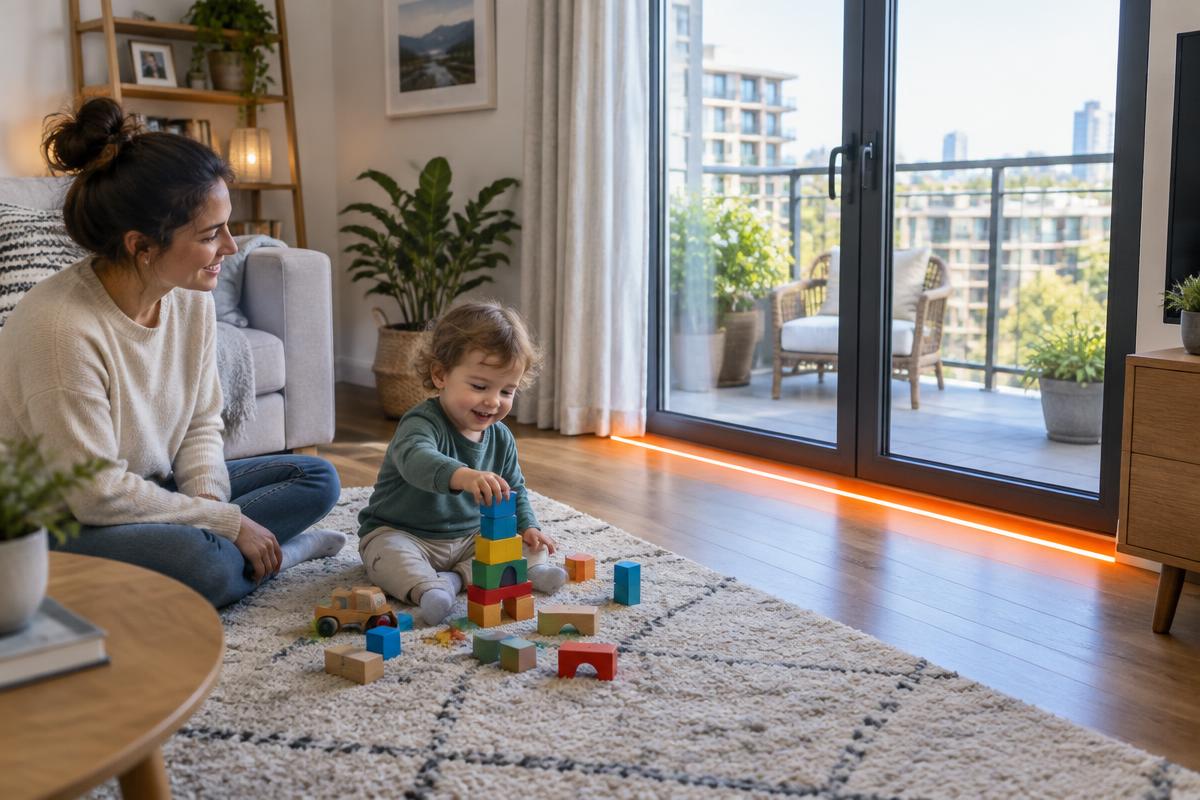
    Kids Guard: Balcony and window climbing

    Scenario 1

    Balcony and window climbing

    Falls from balconies and windows are among the most serious home accidents for young children.

    Detects
    A small person entering the balcony zone or near a window ledge.
    Alert
    Siren in the room, push alert and WhatsApp to parents within seconds.
    Good to know
    Needs a camera with a clear view of the balcony door.
    Kids Guard: Stove and kitchen

    Scenario 2

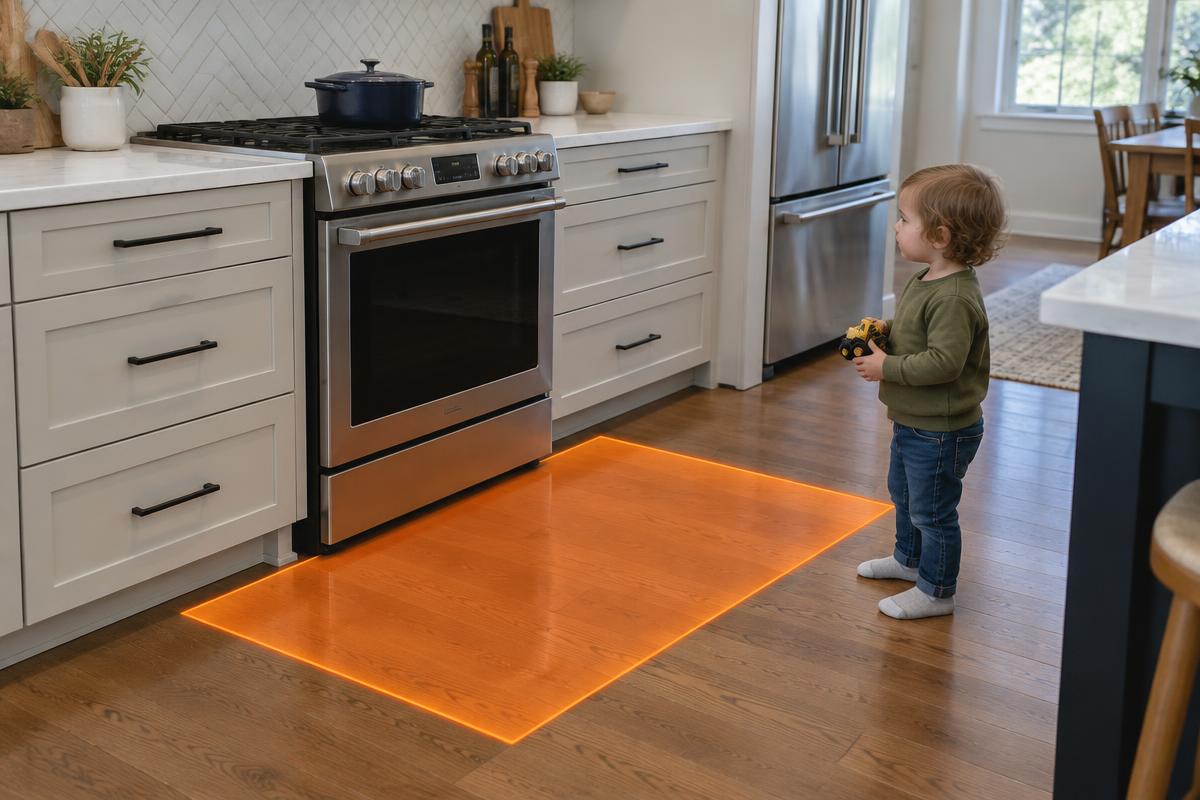
    Stove and kitchen

    Hot pans, kettles and knives within reach.

    Detects
    A child crossing into the cooking zone you drew around the stove.
    Alert
    Siren plus 'Kitchen zone' alert on your phone.
    Good to know
    Detects people in the zone; it does not detect heat.
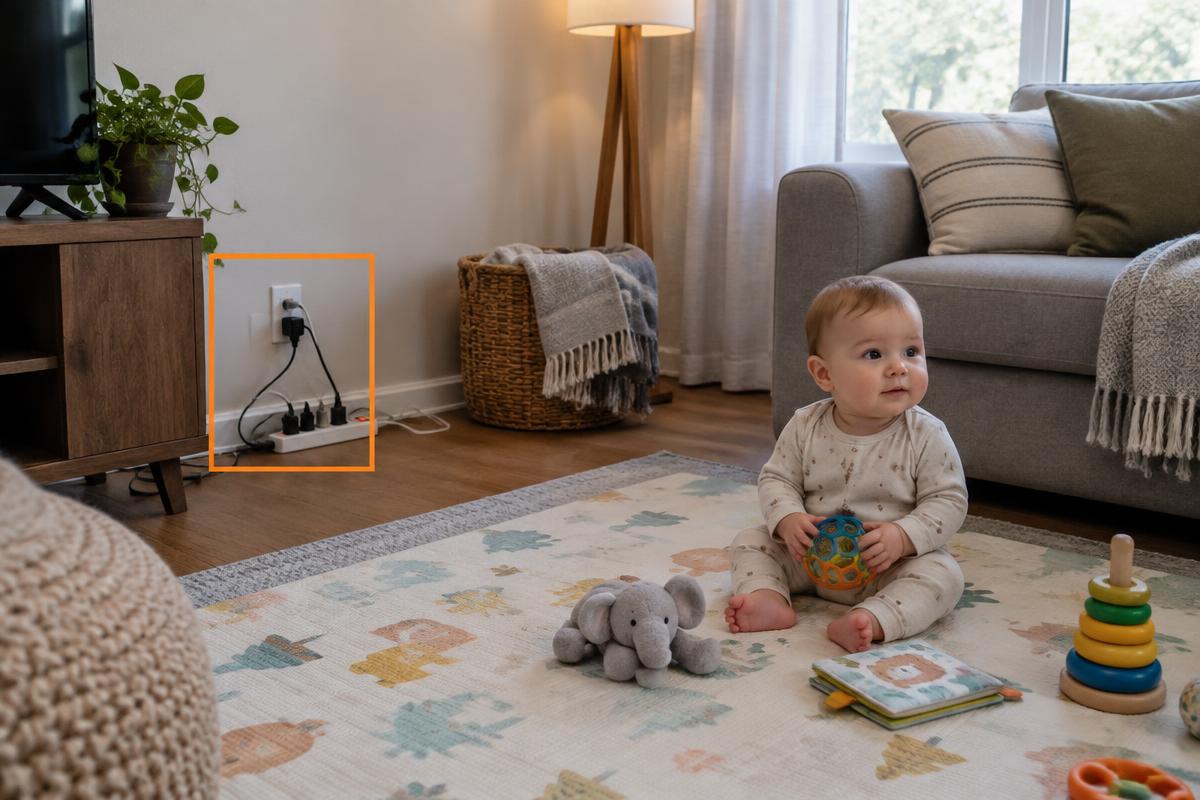
    Kids Guard: Electrical sockets and cables

    Scenario 3

    Electrical sockets and cables

    Fingers and objects in sockets, chewed or pulled cables.

    Detects
    A child lingering at a marked socket or cable area.
    Alert
    Gentle chime first, siren if the child stays.
    Good to know
    Socket covers are still essential.
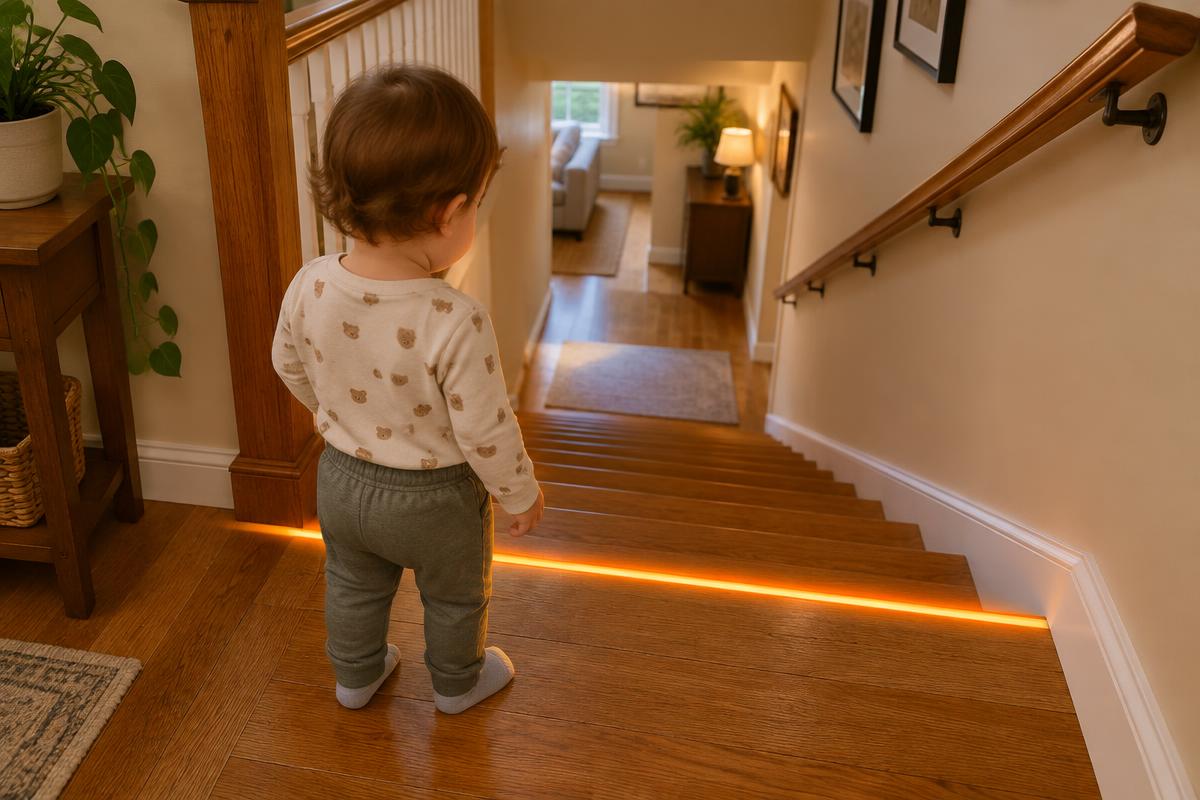
    Kids Guard: Stairs

    Scenario 4

    Stairs

    Tumbles on stairs without a gate.

    Detects
    A small child reaching the top or bottom step zone.
    Alert
    Immediate siren and push alert.
    Good to know
    Works best with the camera above the stairs.
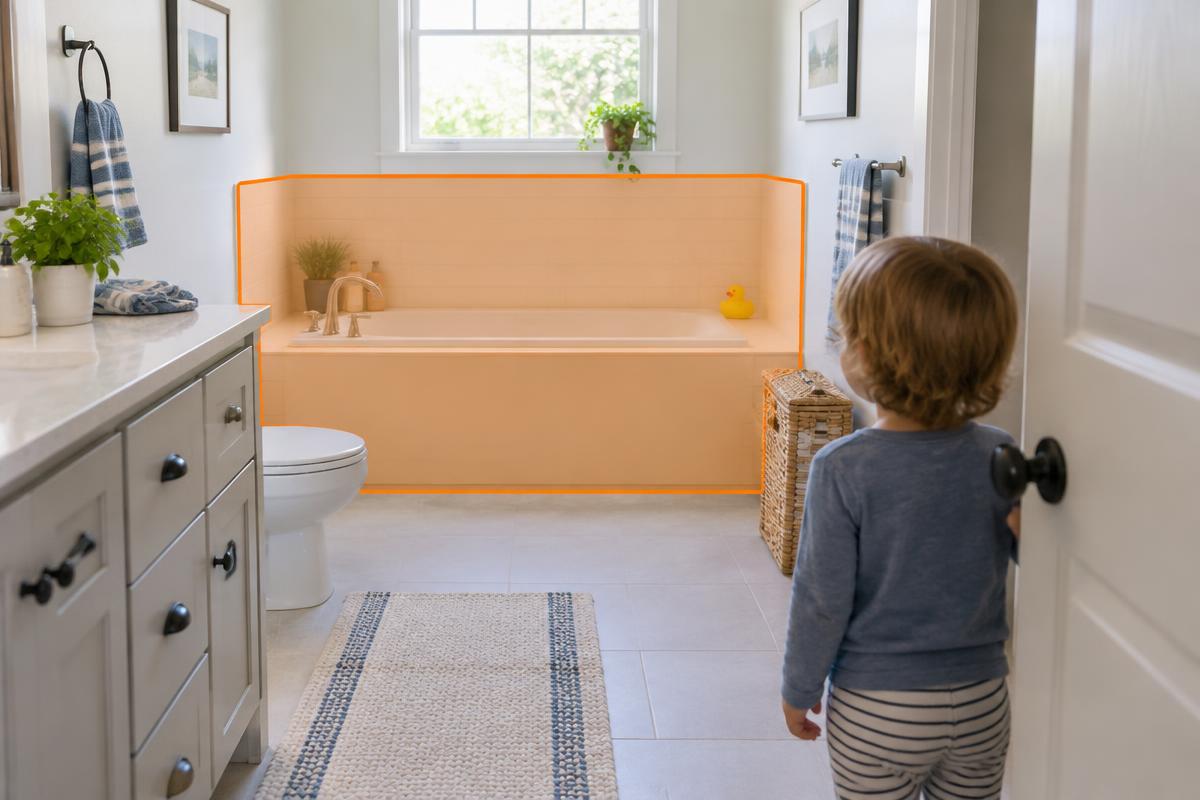
    Kids Guard: Bath and water

    Scenario 5

    Bath and water

    Drowning can happen in a few centimetres of water, silently.

    Detects
    A child entering the bathroom or pool zone alone.
    Alert
    Critical alert: siren, push and phone call (Home Plus).
    Good to know
    Never a substitute for staying with a child in water.
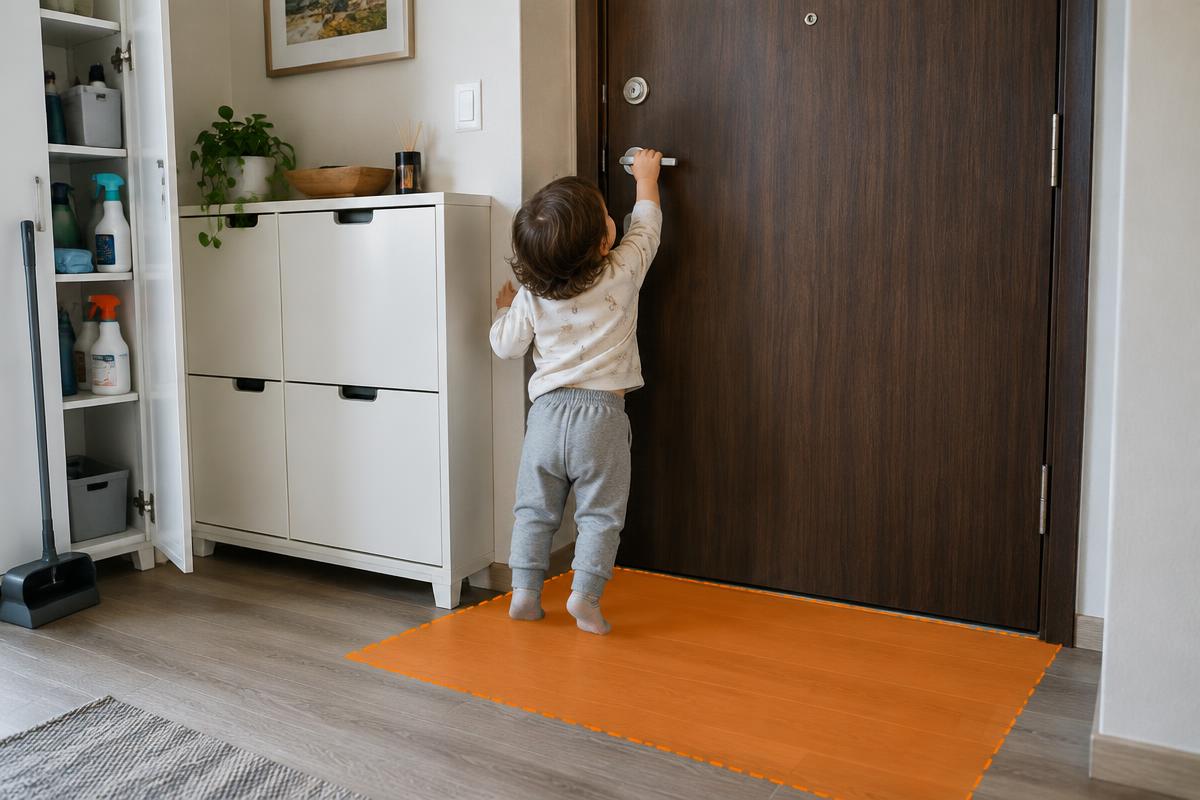
    Kids Guard: Front door and cleaning cabinet

    Scenario 6

    Front door and cleaning cabinet

    Slipping out of the flat or opening the chemicals cupboard.

    Detects
    A child at the front door or cleaning cabinet zone.
    Alert
    Siren plus 'Door zone' alert.
    Good to know
    Use child locks as well.

    How it works

    Set up in 10 minutes. No installer, no new cameras, no cloud video.

    Step 1

    Upload your floorplan

    A photo or PDF is enough. Our AI marks balconies, stoves, sockets, stairs, doors and water.

    Step 2

    Turn any phone into a camera

    Open SMERTGuard on a spare iPhone, iPad or Android and point it at the room. Draw the danger borders.

    Step 3

    AI watches, on the device

    Detection runs right on the camera phone. No video is recorded or uploaded.

    Step 4

    Alarm in seconds

    A loud siren on the device, push alerts to your phone, and WhatsApp or a call for critical events.

    Home protected by a private shield: footage stays on the home network

    Your footage stays at home. Always.

    • AI runs on the camera device or on your own SMERTGuard box, inside your Wi-Fi.
    • No video is recorded, stored or sent to our servers.
    • Our cloud only receives a short text event, like “Balcony zone, 21:04”.
    • No facial recognition. Faces are never identified.
    Read our privacy promise

    SMERTGuard Home plans

    Kids Guard is included in every plan, together with the other Home guards.

    Most popular

    Home Family

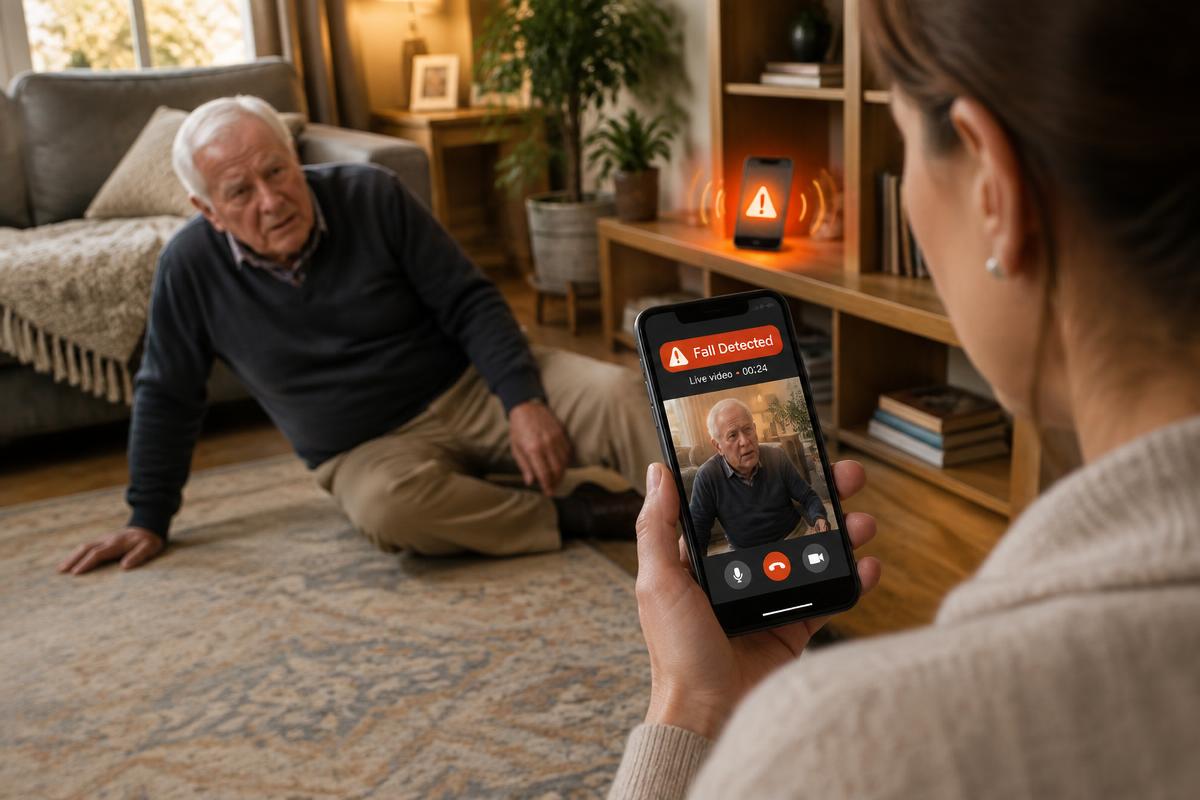
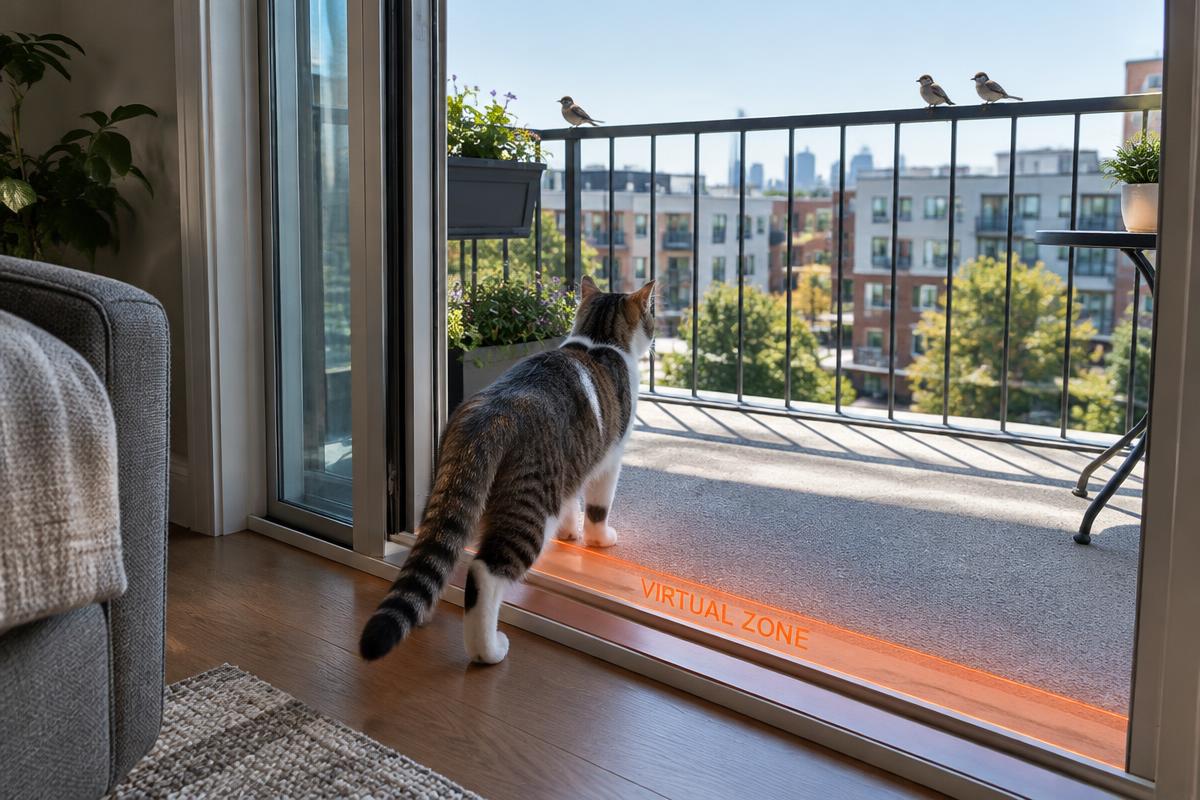
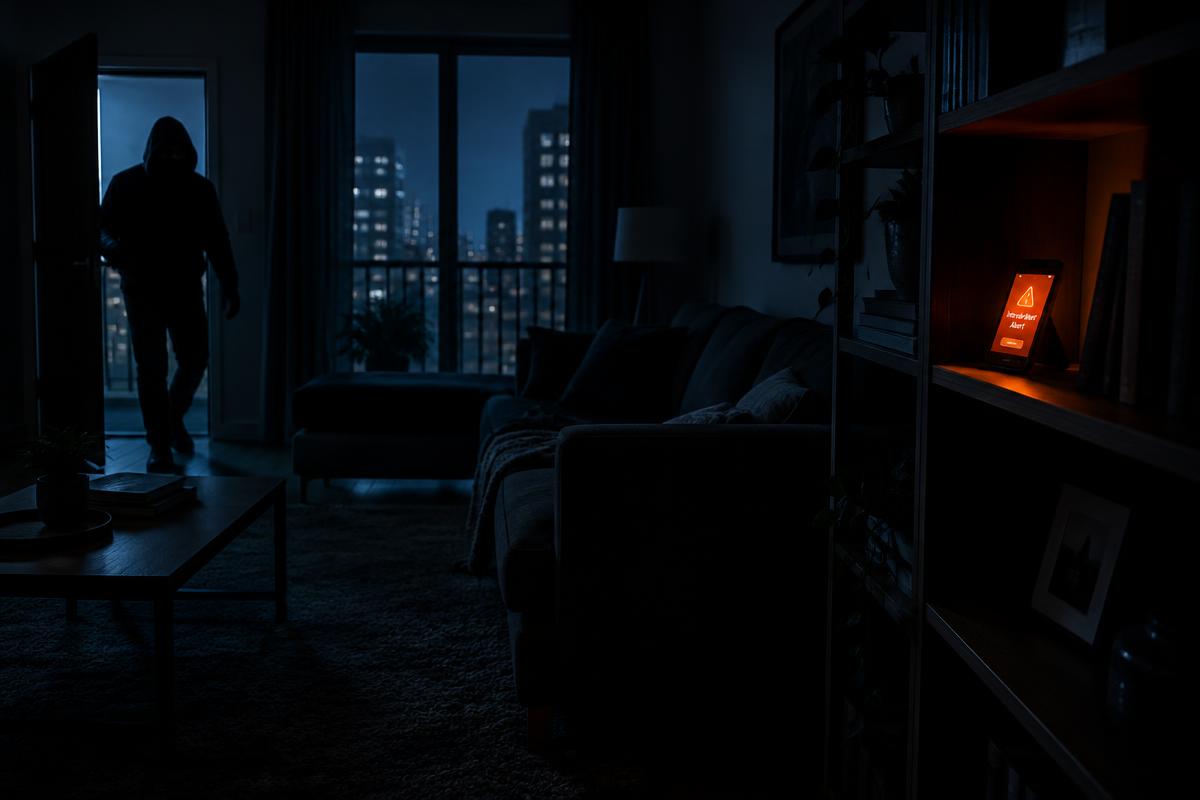
    Everything a family needs: kids, elderly, pets and home safety.

    US$19.99/month

    7-day free trial, cancel anytime

    • All Home guards: Kids, Elderly, Pets, Home Safety
    • Up to 4 camera devices (old phones or tablets)
    • AI floorplan risk map
    • Loud siren on the camera device
    • Push alerts to up to 4 family phones
    • WhatsApp alerts (fair use)
    • Video stays on your devices
    Start 7-day free trial

    Home Plus

    Bigger homes, grandparents' flat and the Home Box option.

    US$34.99/month

    7-day free trial, cancel anytime

    • Everything in Home Family
    • Up to 10 camera devices across 2 homes
    • Automated phone call on critical alerts
    • Elderly daily routine report
    • Compatible with the SMERTGuard Home Box
    • Priority support
    Start 7-day free trial

    Home Premium

    Whole-family protection with the Home Box included.

    US$59.99/month

    7-day free trial, cancel anytime

    • Everything in Home Plus
    • Up to 20 cameras across 3 homes
    • SMERTGuard Home Box included on a 24-month plan
    • Always-on monitoring, even when phones are off
    • Elderly fall escalation to 3 contacts by call
    • Dedicated setup video call
    Start 7-day free trial

    Prices in US dollars. Local taxes may apply. Phone calls and WhatsApp alerts are subject to fair use.

    Kids Guard: frequently asked questions

    No. Any spare iPhone, iPad or Android phone becomes a camera. Open SMERTGuard in the browser, choose 'Use as camera' and place it on a stand.

    Important: SMERTGuard helps reduce risk; it does not remove it. It does not replace adult supervision, child locks, smoke detectors, medical alarms, security services or legal compliance obligations. It is not a certified safety, medical, security or HACCP certification device, and alerts can fail because of power, network, camera angle or lighting. Terms of service

    SMERTGuard helps reduce risk; it does not remove it. It does not replace adult supervision, child locks, smoke detectors, medical alarms, security services or legal compliance obligations. It is not a certified safety, medical, security or HACCP certification device, and alerts can fail because of power, network, camera angle or lighting.